
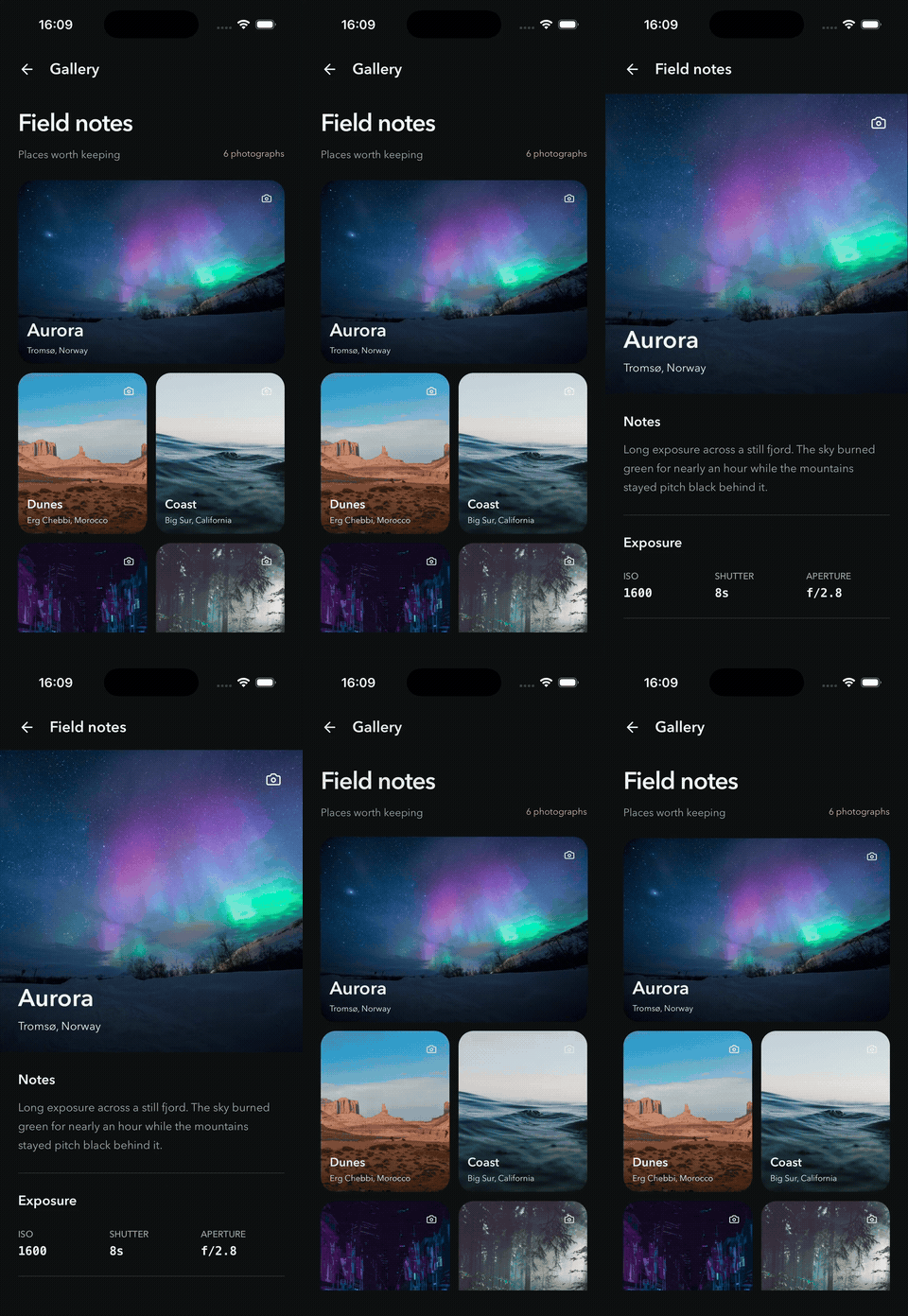
Gallery
A photo becomes the hero.
One retained photo, with image, gradient, icon, and text following the same frame.
Explore the sourceFROM THE EXAMPLE APPS
Explore the same five demos you’ll find on the app’s home screen: Gallery, Trips, Wallet, and two dynamic trays. Start with the native recordings, then run the examples to try the interactions yourself.
A photo becomes the hero.
One retained photo, with image, gradient, icon, and text following the same frame.
Explore the source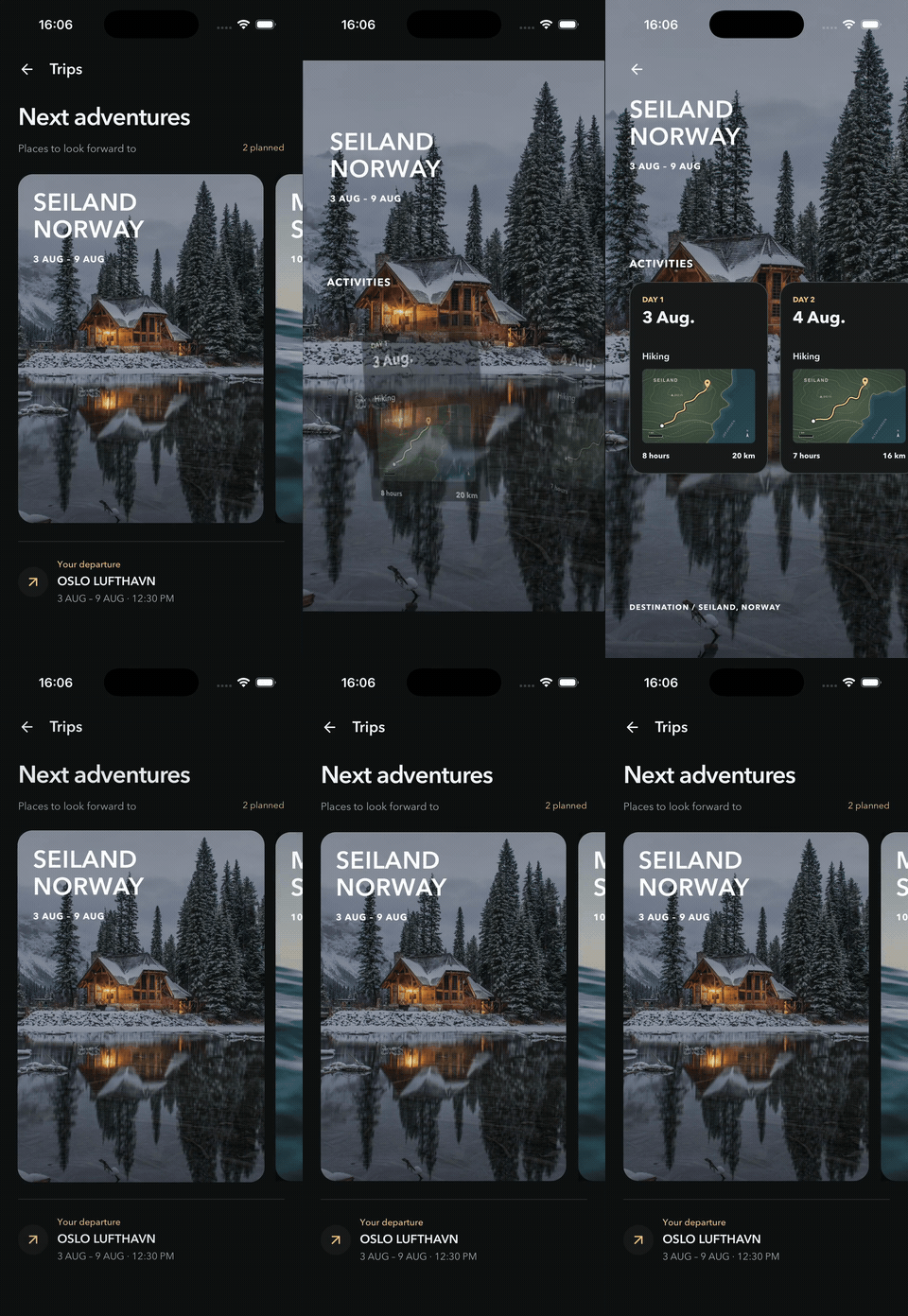
A trip opens into a scene.
A retained photo scene expands from its card into the trip detail screen.
Explore the source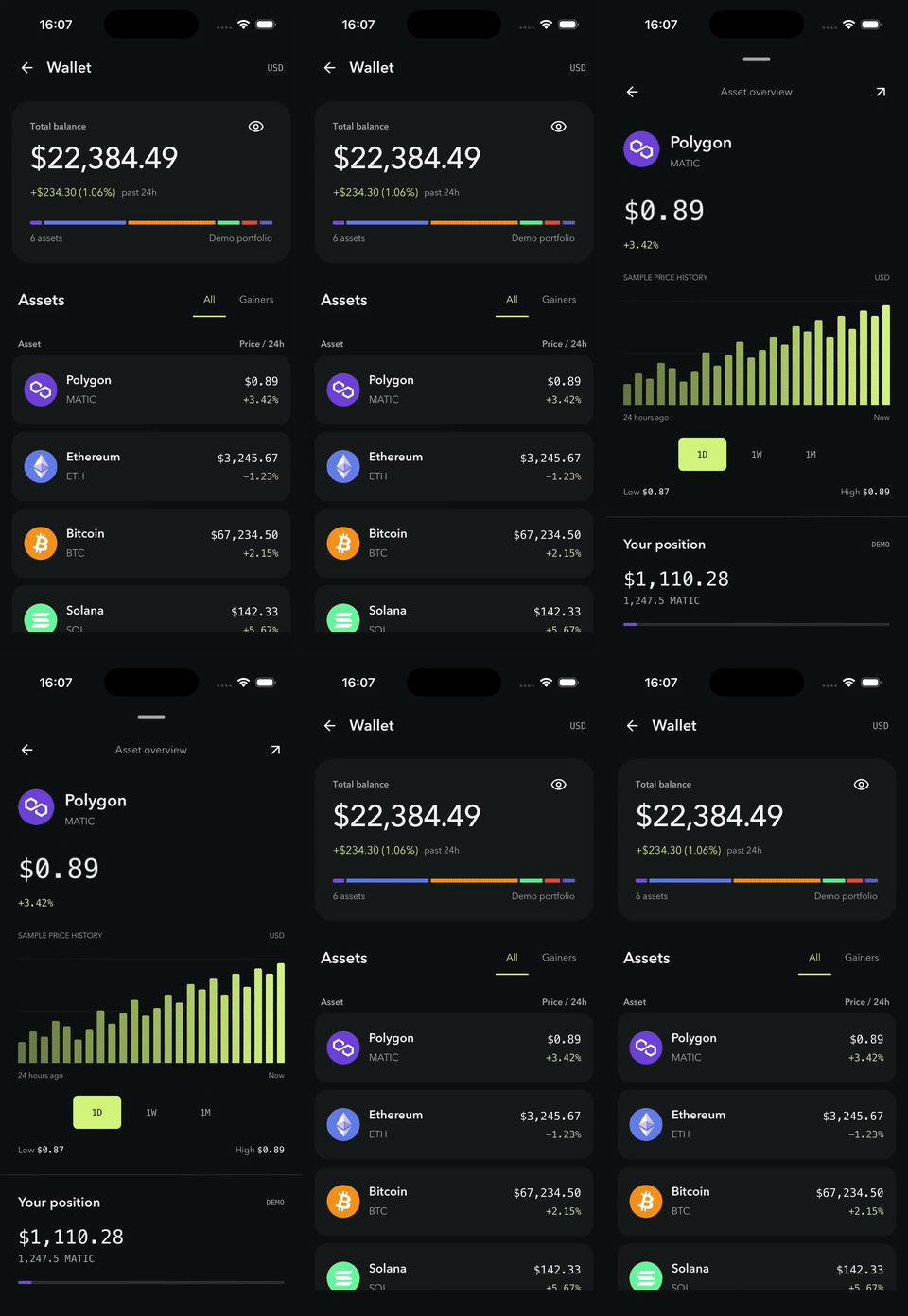
All the details, together.
Multiple shared roles move together as companion sections reveal on the detail screen.
Explore the sourceMove from a wallet overview to a payment form, a full-screen recipient list, and a review. Go Back to keep editing the retained form; the sheet resizes with each view. Payments are simulated.
Open Explore Plus to expand a photo composition into benefits and plan selection. Choose a plan, visit Good to know, and go Back to find your selection preserved. Preview Plus shows the selected plan without making a purchase.
The React Navigation and Expo Router apps share demo screens, so you can compare the two integrations using the same transitions. Gallery, Trips, and Wallet combine shared elements with reveals for supporting content. The tray demos explore a local view stack, retained form state, and content-driven sheet sizing. Explore the defineTransition definitions to adapt the motion to your own app.
The checked-in example environments are React Native 0.83 and Expo SDK 57. See installation for the package’s declared peer requirements and compatibility considerations.
The homepage preview follows the current Gallery layout: a wide featured photo above smaller tiles. It is a browser illustration of the ownership model. The native recordings above demonstrate the transitions. Run either app to try them and both tray flows.
Photography comes from the existing example assets. Sources and license.